Molecular dynamics: a water molecule
In molecular dynamics (MD) SIESTA computes the forces on the atoms and moves them with Newton's equations, step by step, so you can watch a system move at a finite temperature. In this tutorial you run a short MD of one water molecule in a box:
- load water from the molecule library and put it in a box,
- set up an MD run with the wizard and switch it to constant energy (NVE),
- run 60 steps of 0.5 fs (30 fs in all),
- check that the total energy is conserved,
- play the trajectory in SiestaStudio.
It takes about 20 minutes; the SIESTA run takes about 20 seconds.
Before you start
- A SiestaStudio account and SIESTA 5 on your computer.
- Your first calculation explains the downloads and Analyze File.
1. Load water from the molecule library
Create a project Water MD, open the studio, and click Edit Structure.
Open Molecule Library, type water in the search box, choose Water
(3 atoms) and click Load Molecule. The status bar shows 3 atoms.
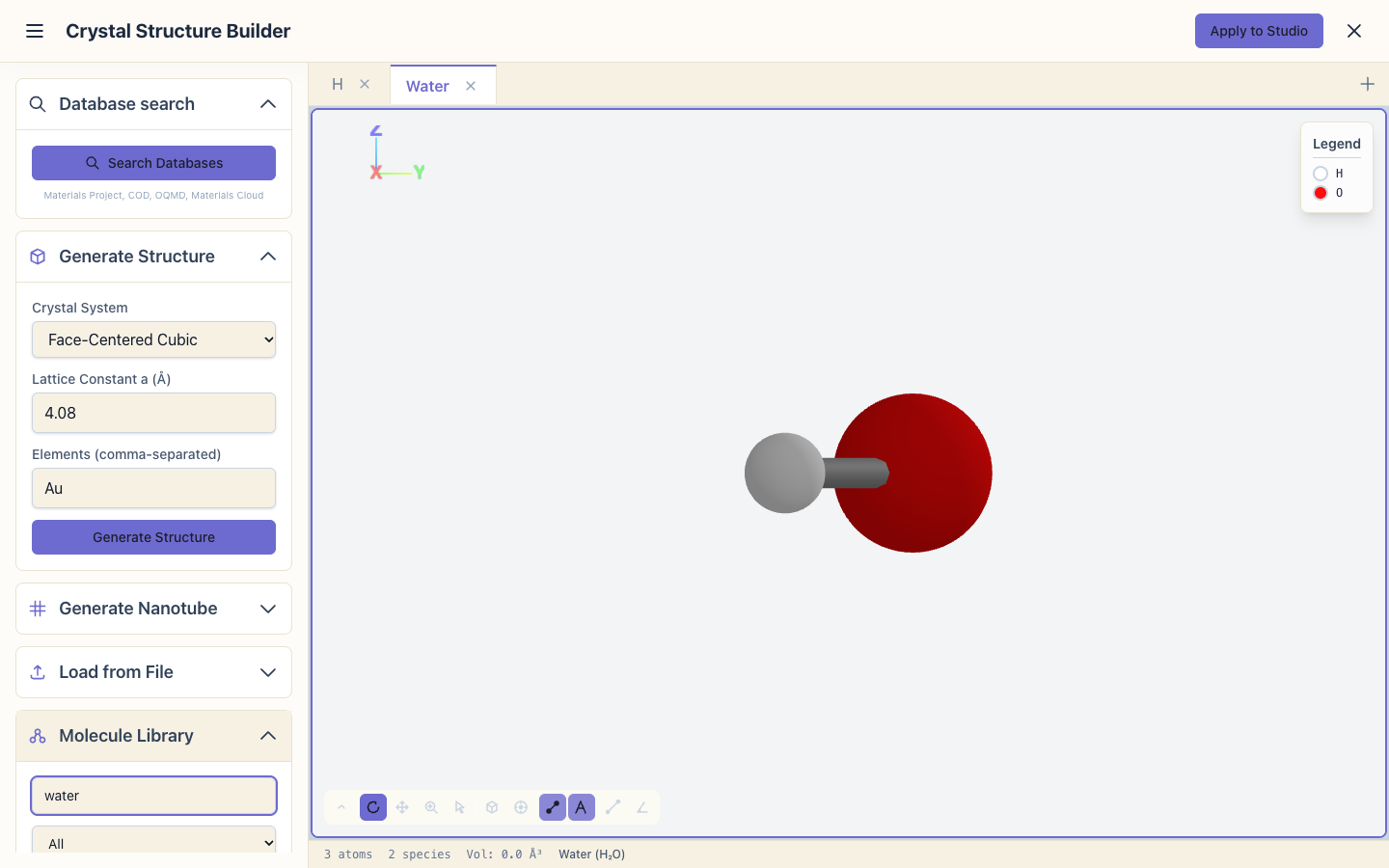
Click Apply to Studio.
2. Put the molecule in a box
SIESTA always works with a periodic cell. For a molecule, the cell is a box large enough that the molecule does not feel its periodic copies. A molecule from the library has no cell of its own, so Apply to Studio puts it in a box with 10 Å of empty space around it, and centres it there. Any box that leaves enough space works; for round numbers, make it a 10 Å cube: in Atomic Structure, switch on Manual Input and replace the lattice vectors with
10.0  0.0  0.0
 0.0 10.0  0.0
 0.0  0.0 10.0
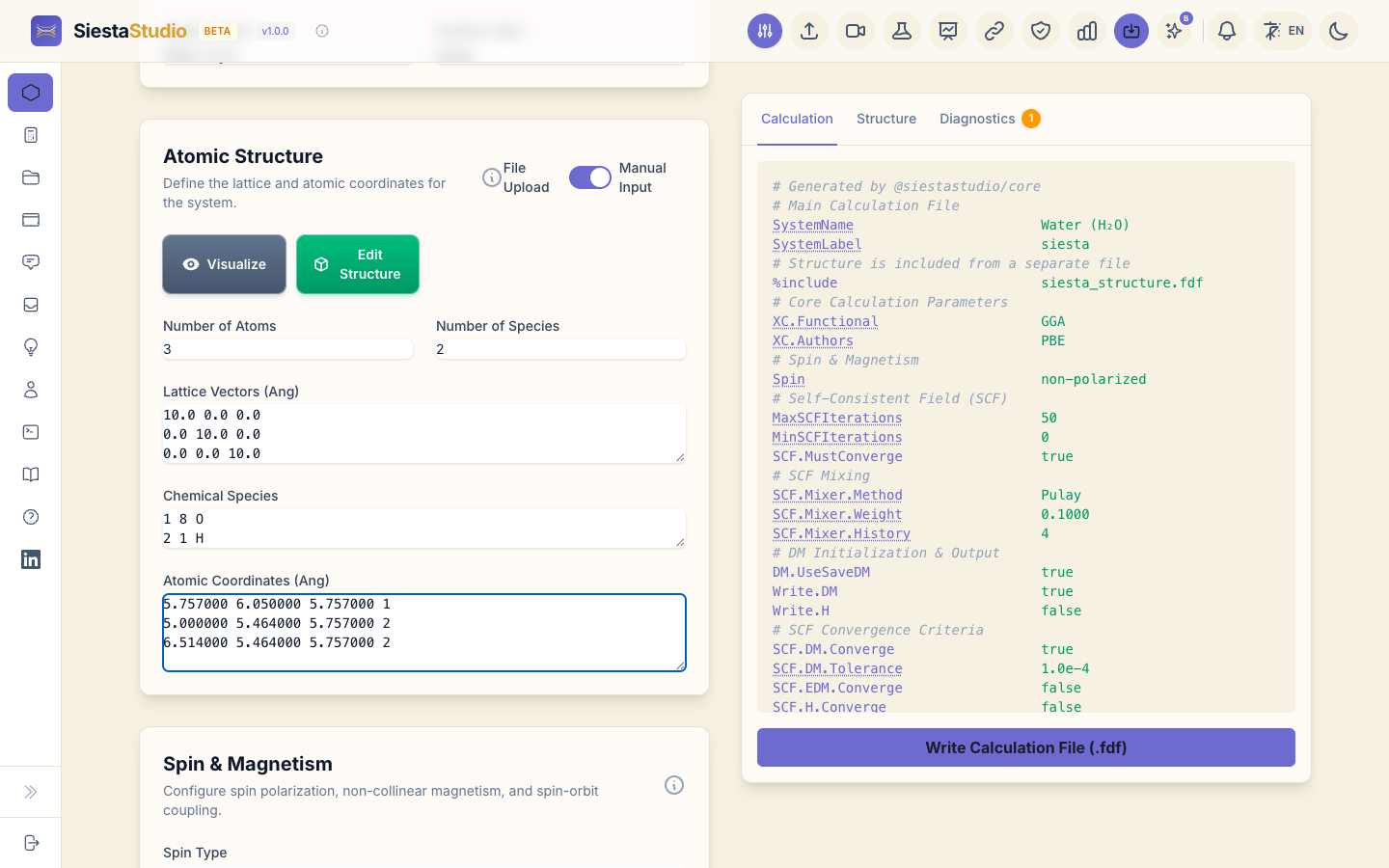
10 Å leaves about 9 Å between a molecule and its nearest copy, enough for a
neutral molecule like water. Set the System Name to Water.
3. Set up the MD with the wizard
Open the wizard:
- System type: Molecule.
- Material: Molecular.
- What to calculate: Molecular dynamics.
- Accuracy: Quick.
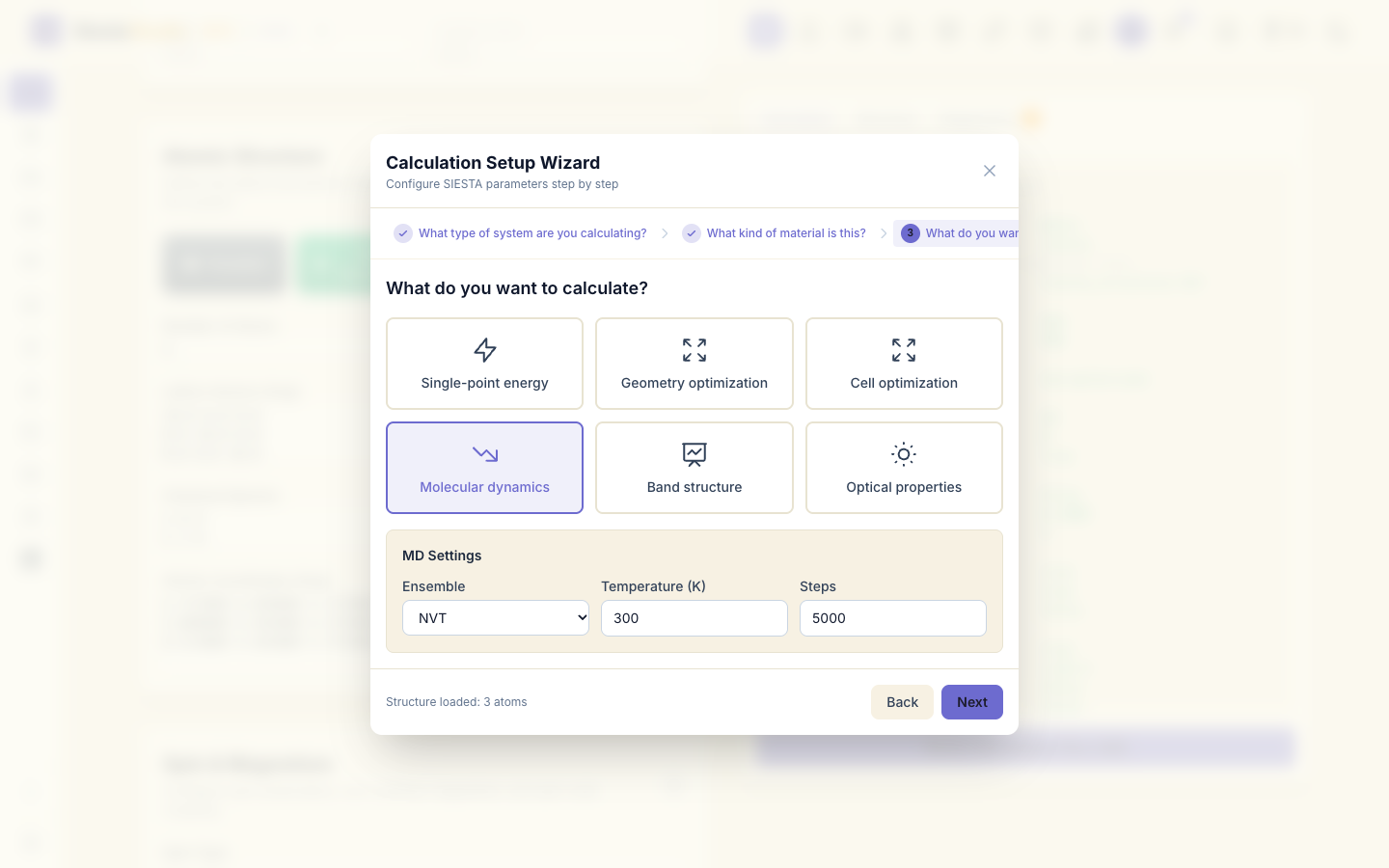
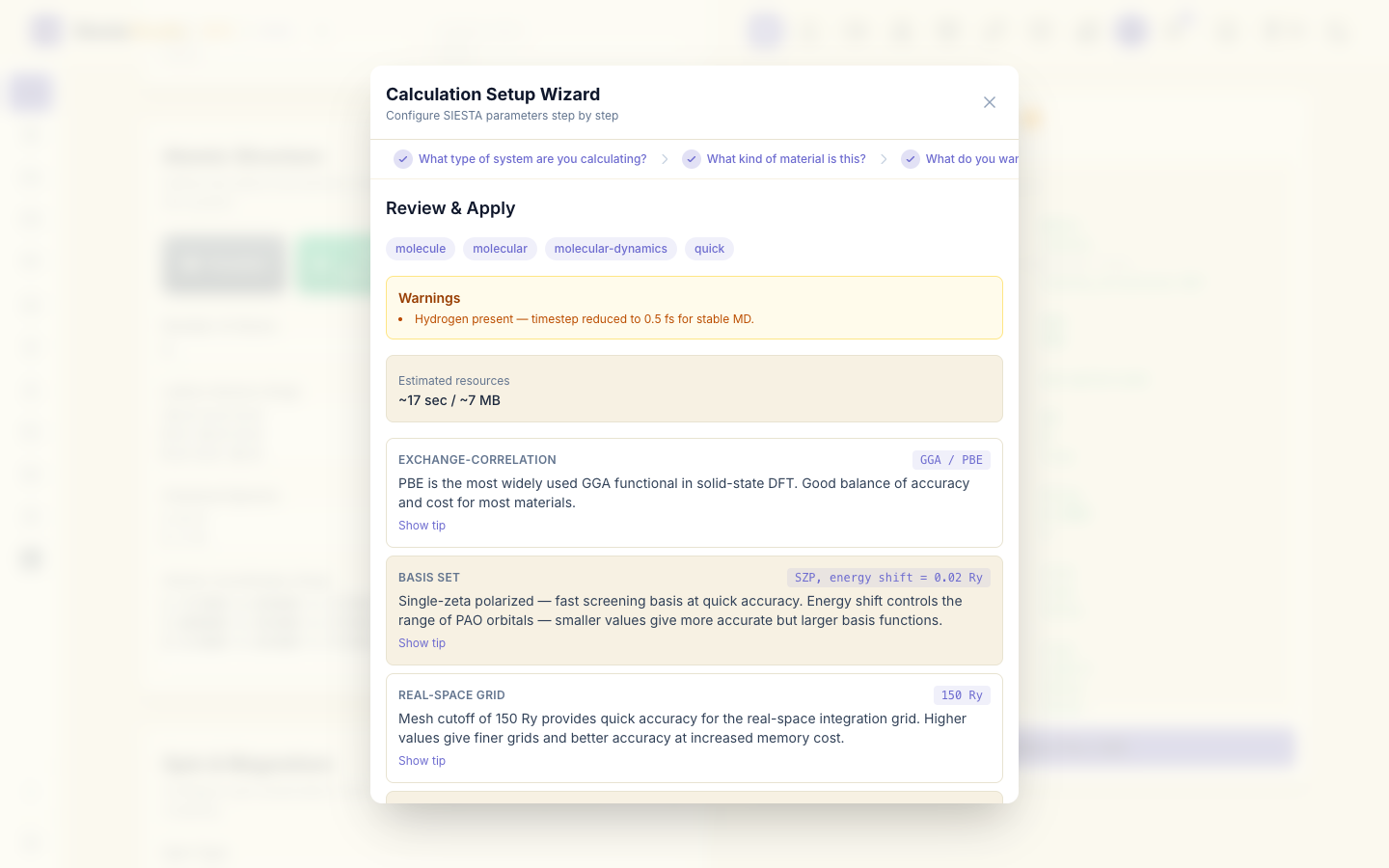
Click Apply All. The wizard chooses a time step of 0.5 fs (water has hydrogen, the lightest atom, which needs short steps), an initial temperature of 300 K, and a Nosé thermostat that holds the temperature.
4. Switch to constant energy and set the length
In Molecular Dynamics & Relaxation:
- set the run type to Verlet: plain Newtonian dynamics without a thermostat (constant energy, NVE). Without a thermostat the total energy must stay constant, which makes a good check of the time step and the forces;
- set the number of MD steps to
60.
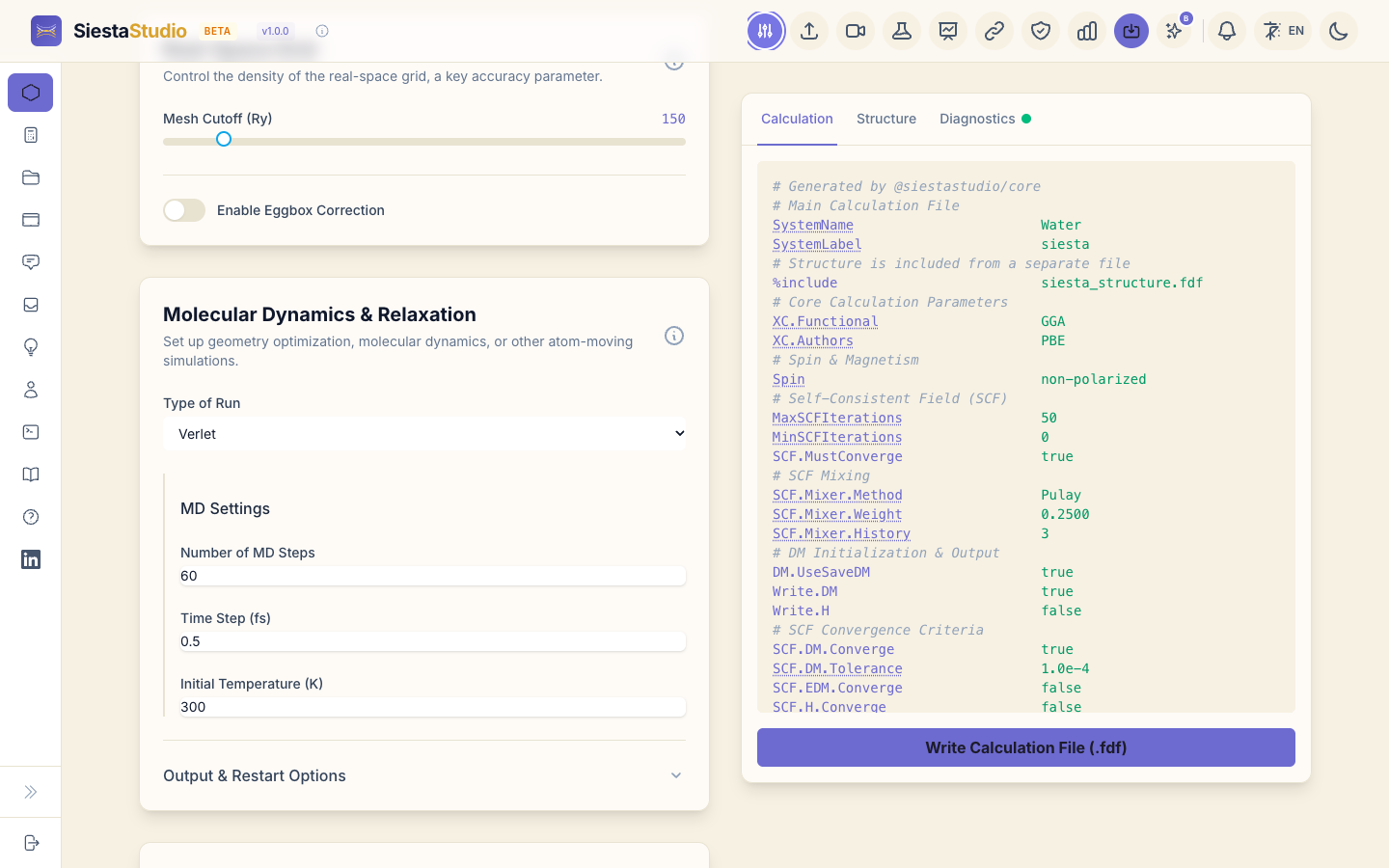
For an MD run the input also asks SIESTA for two output files you use
below: the trajectory siesta.ANI (WriteMDXmol true) and the energies and
temperature at every step, siesta.MDE (WriteMDhistory true).
5. Check, download and save
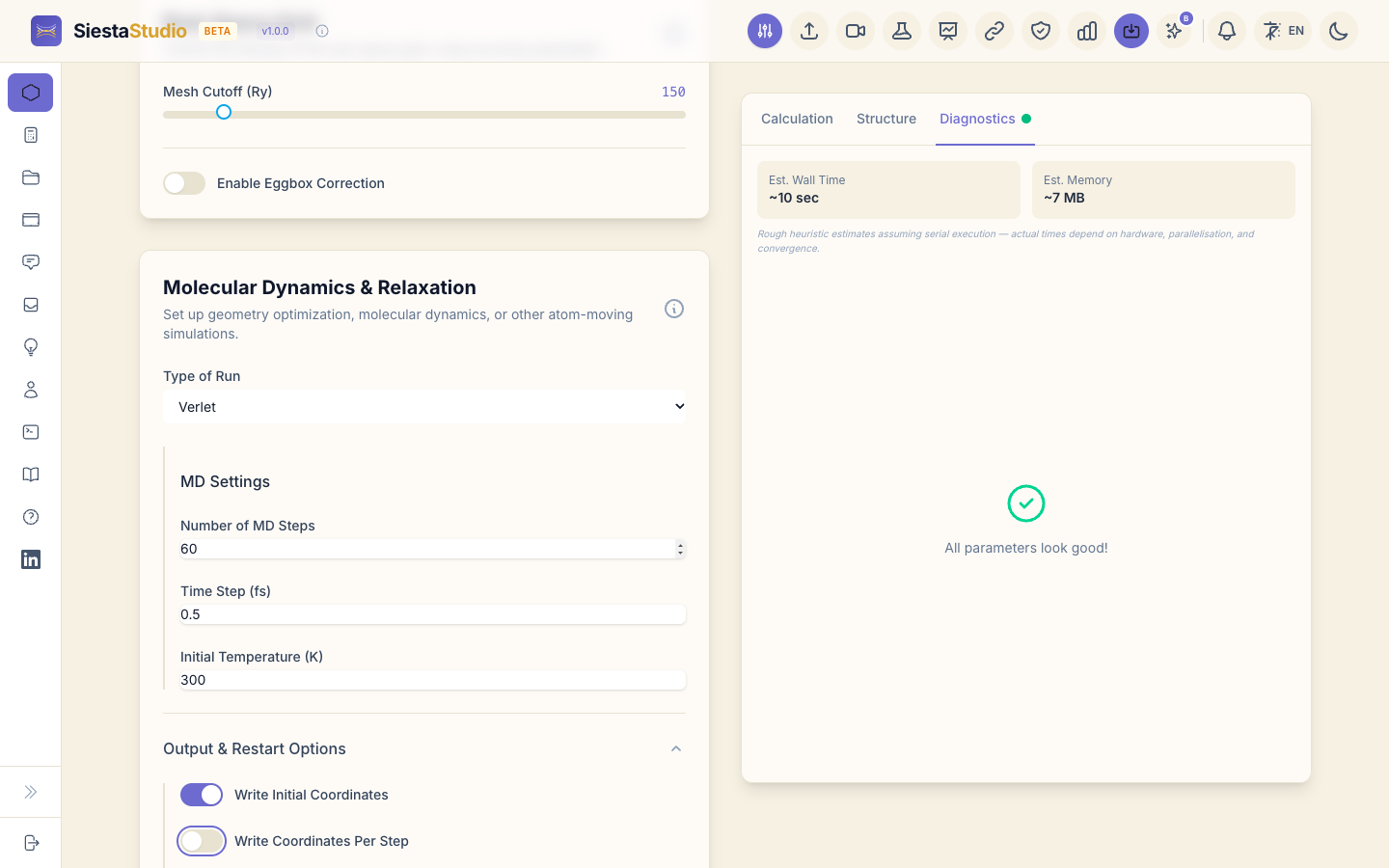
- Diagnostics reports All parameters look good! It recognises the molecule in its box: nothing is periodic, so a single k-point (Γ) is the right choice.
- Download
siesta.fdfandsiesta_structure.fdf. The structure file has 3 atoms in the 10 Å box;siesta.fdfhasMD.TypeOfRun VerletandMD.Steps 60. - Pseudopotentials, Download All (ZIP), unzip next to the files.
- Save calculation, project
Water MD.
6. Run SIESTA
siesta < siesta.fdf > siesta.out
SIESTA solves the electronic structure at every MD step. Besides
siesta.out it writes siesta.ANI, the geometry at every step, and
siesta.MDE, one line per step with the temperature, the potential energy
E_KS, the total energy E_tot, the volume and the pressure.
7. Is the energy conserved?
In an NVE run the total energy is the potential energy plus the kinetic
energy of the atoms, and it should not change. Open siesta.MDE in a text
editor:
# Step     T (K)     E_KS (eV)    E_tot (eV)   Vol (A^3)    P (kBar)
     1    300.00    -479.20671    -479.12915    1000.000       2.757
     2    356.30    -479.22197    -479.12986    1000.000       2.531
     3    496.45    -479.25964    -479.13130    1000.000       1.988
Over the 60 steps the temperature swings between about 150 and 800 K and
E_KS by 0.17 eV, while E_tot stays within 3.9 meV (0.0039 eV):
the time step is fine. A drift of tenths of an eV would mean the time step is
too long or the forces are not converged.
The temperature starts at 300 K and averages about 490 K over the run. The library geometry is not the minimum for these (Quick) settings: the O–H bonds start shorter than the basis prefers, and the extra potential energy turns into motion. For a production MD, relax the molecule first (Relaxing a structure) and run longer.
8. Open the output and play the trajectory
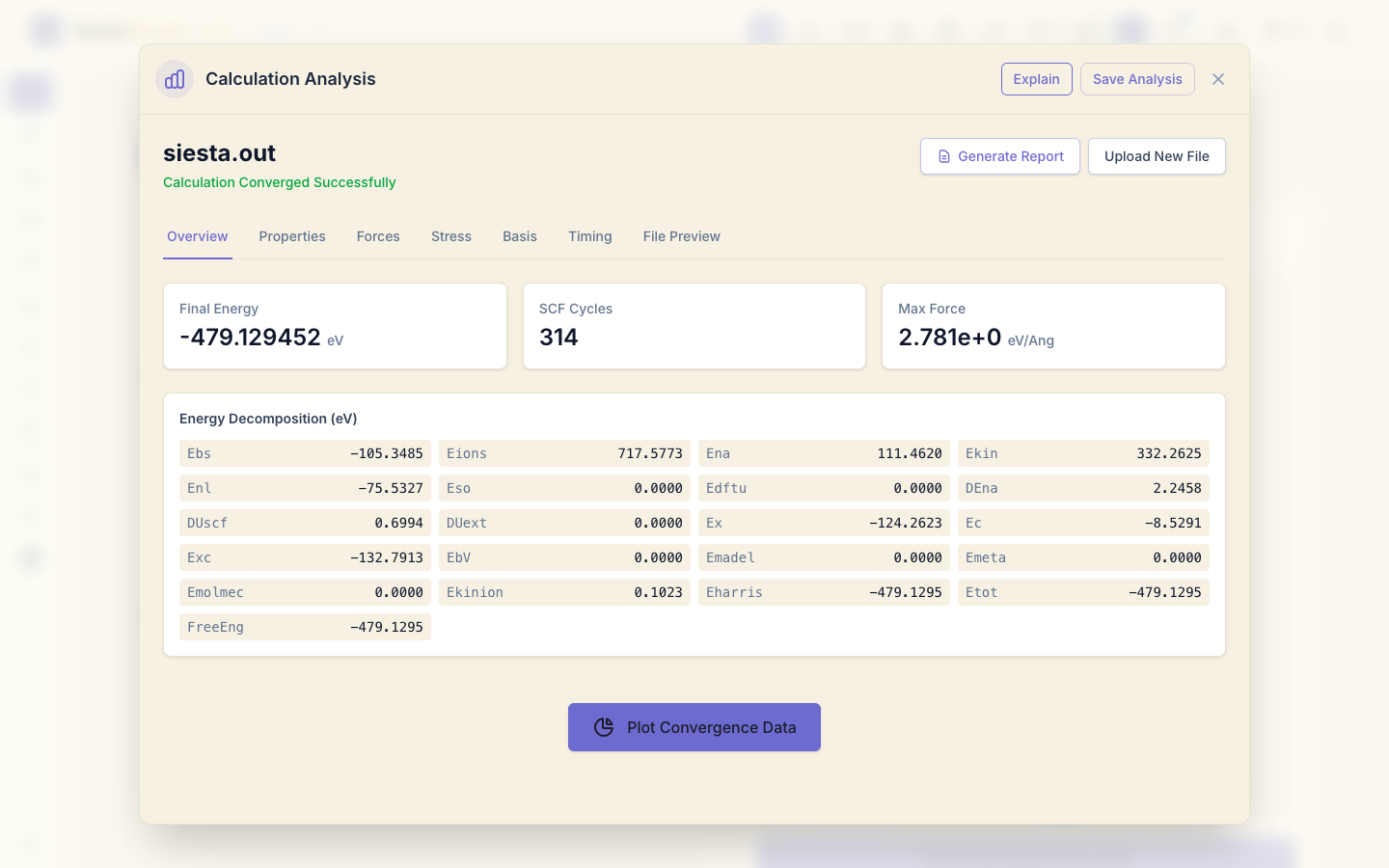
Click Analyze File and drop siesta.out. The overview shows the run
finished; Forces and Stress show the last step.
Click Upload New File and drop siesta.ANI. SiestaStudio reports
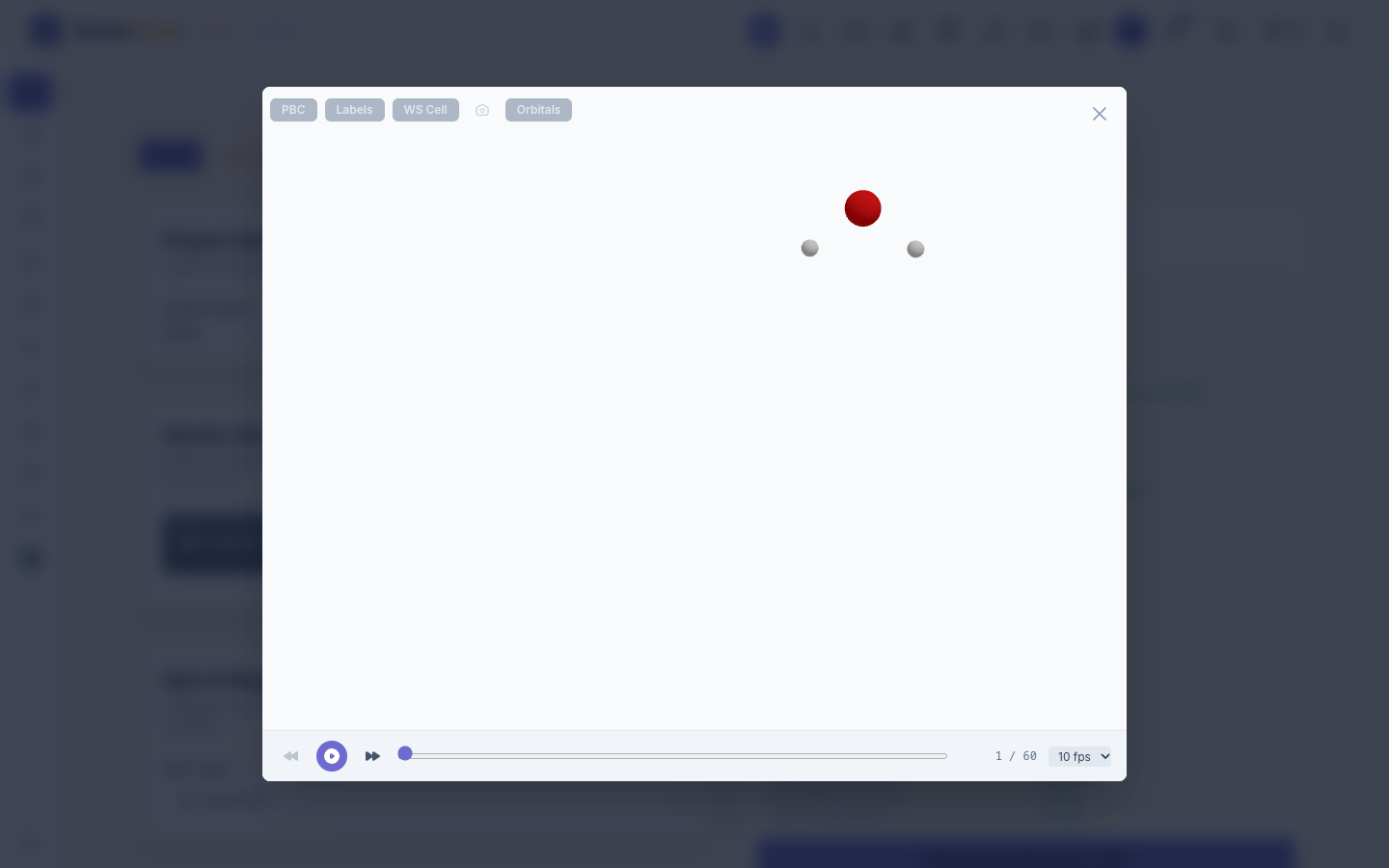
Trajectory loaded — 60 frames. Click Visualize Trajectory and press
play: the molecule vibrates and rotates.
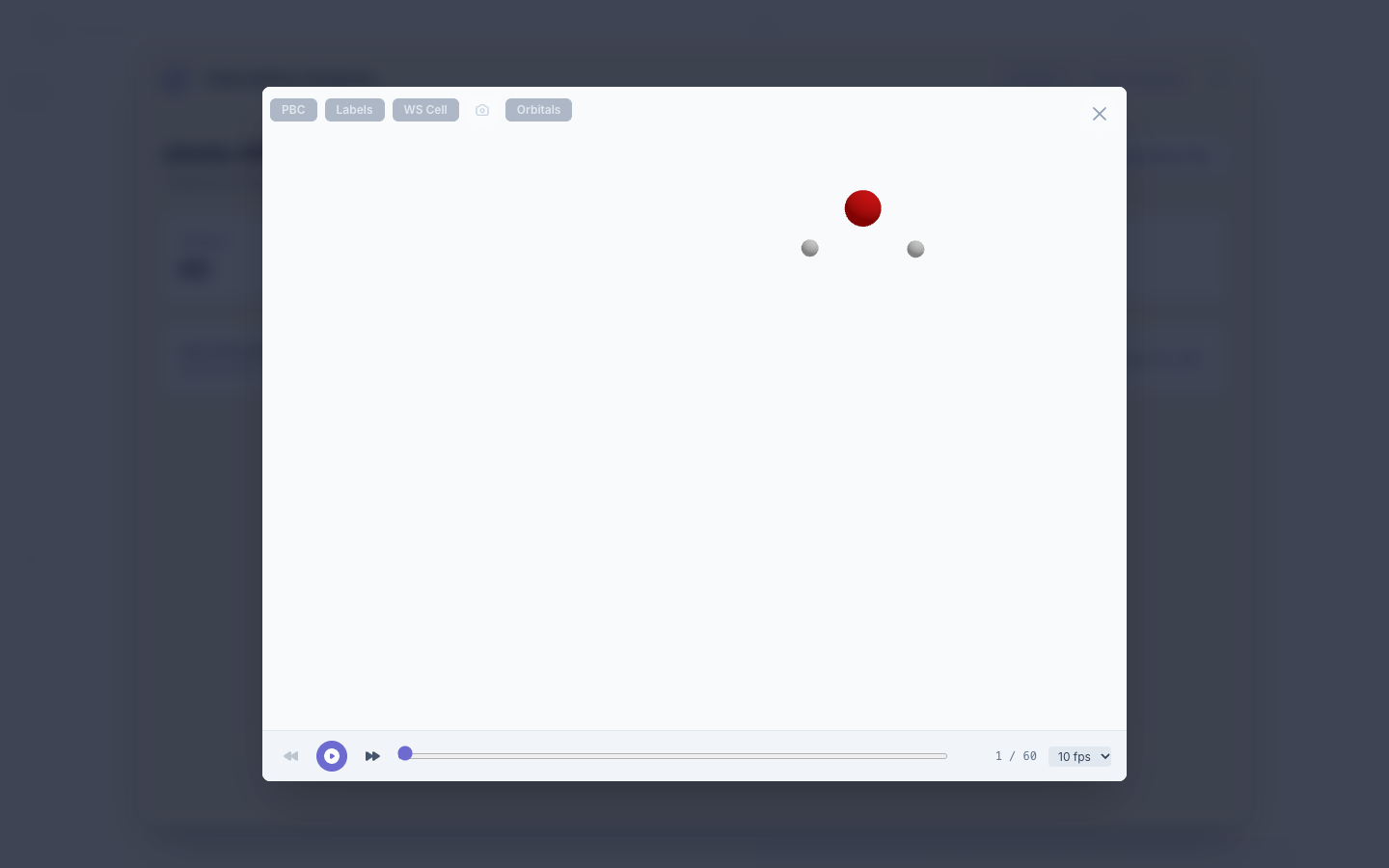
The O–H bonds stretch and shrink between 0.96 and 1.08 Å over the run.
The Import trajectory button in the studio header opens the same
player straight from a file (.ANI, .xyz or extended XYZ), without the
analysis window: choose siesta.ANI and the 60 frames play at once.
9. Save the analysis
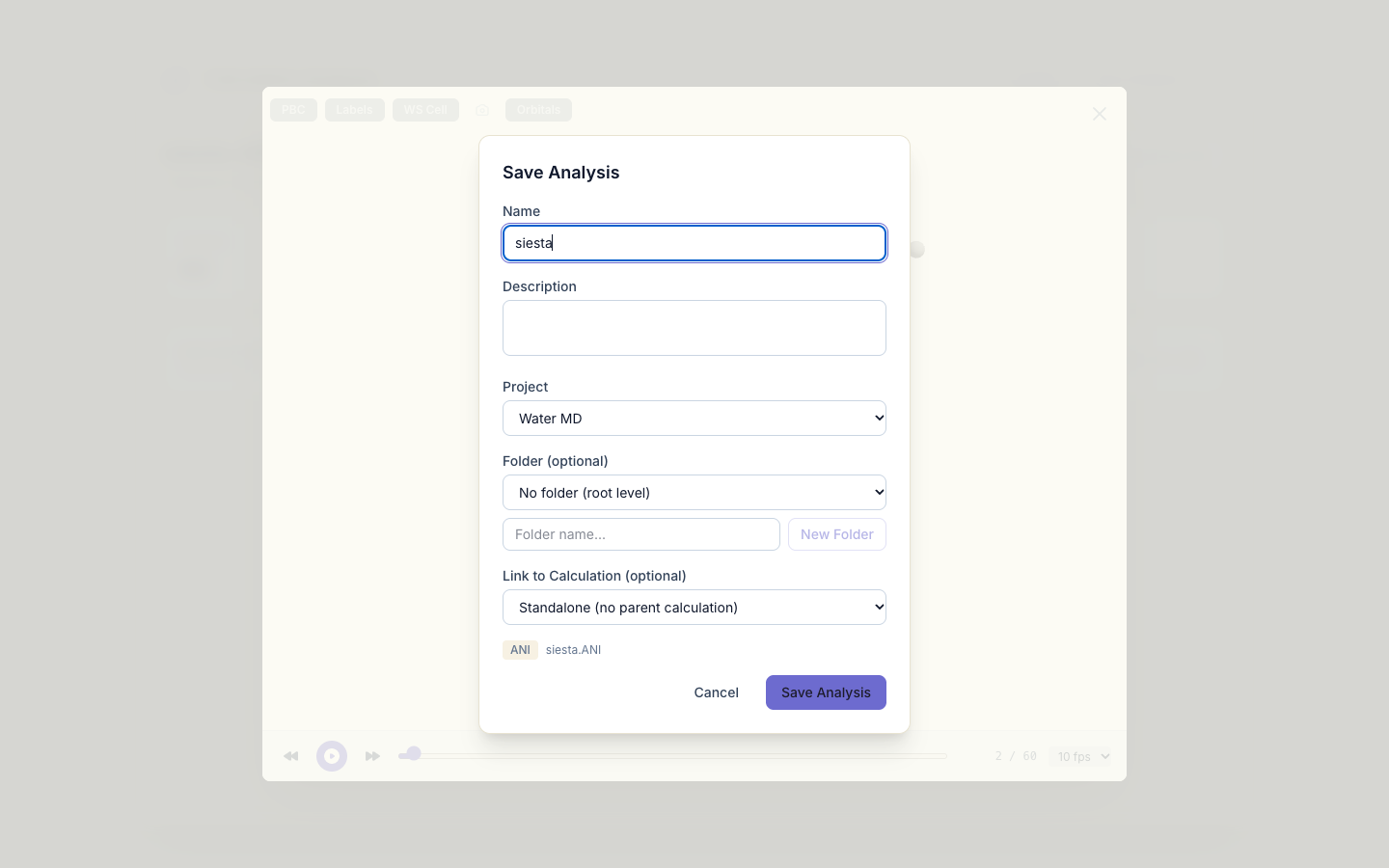
Click Save Analysis, project Water MD.
What next
- Relaxing a structure: find the minimum before running MD.
- Surfaces and the work function: place the water molecule on MgO(001).